
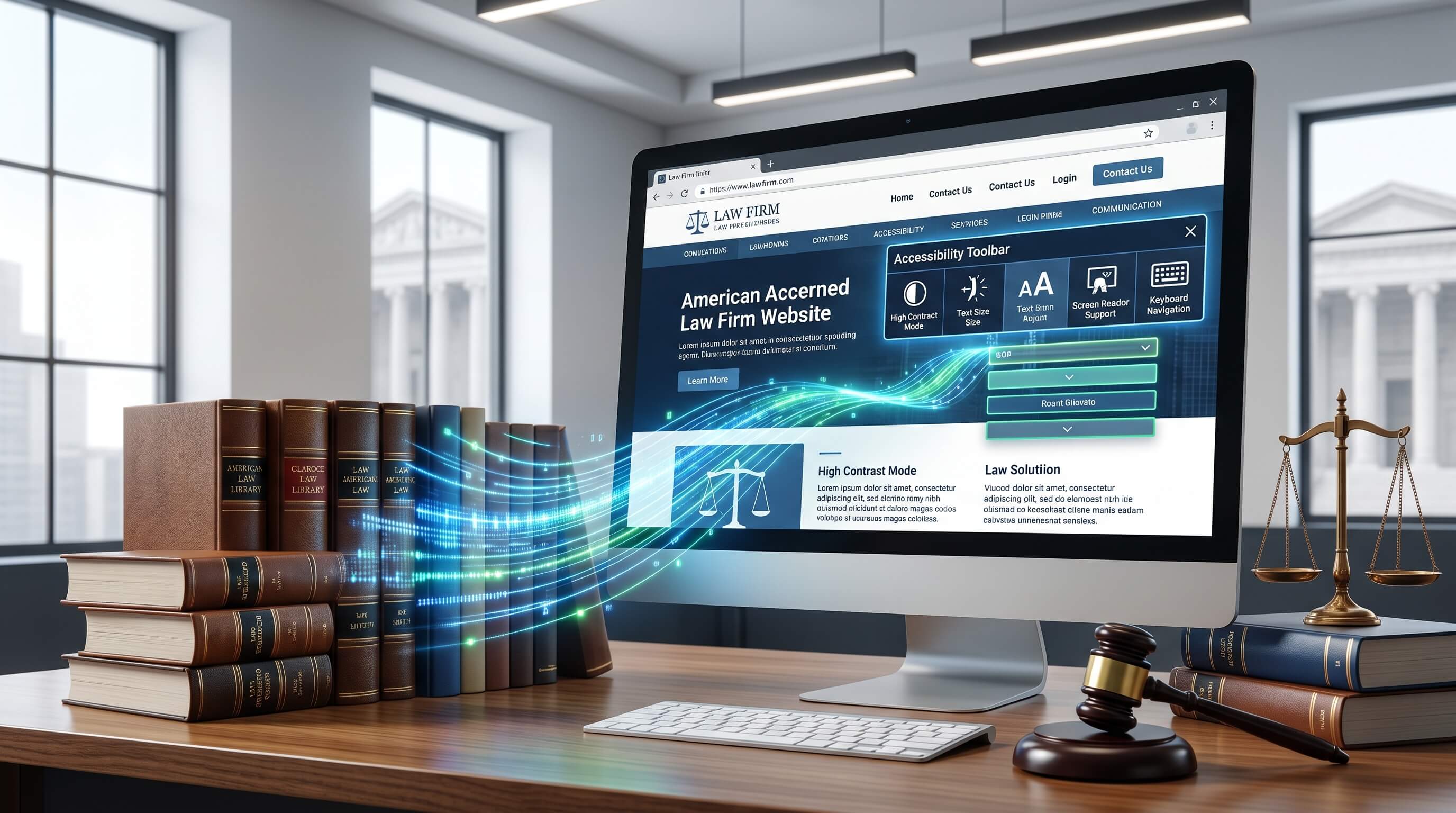
Making sure your law firm’s website is ADA-compliant is about more than meeting legal obligations. It is an essential part of creating an inclusive online experience for everyone who may need your services. Potential clients often visit your website to learn about your firm, access information, and get in touch. If your website contains accessibility barriers, people with disabilities may struggle to use it or may be unable to access important content altogether. The Americans with Disabilities Act (ADA) requires businesses, including law firms, to provide accessible digital experiences. Compliance not only helps reduce the risk of legal action but also reflects your firm’s commitment to accessibility, professionalism, and client service.
ADA compliance focuses on removing obstacles that can prevent people with disabilities from accessing online information. For law firms, this means building a website that works effectively with assistive technologies such as screen readers and supports keyboard-only navigation. It also involves incorporating features that help users with visual, auditory, or motor impairments interact with the website more easily. Elements such as descriptive alternative text for images, strong colour contrast, clear page layouts, and intuitive navigation contribute to a smoother experience for all visitors, not just those with disabilities. In many cases, accessible websites are also easier to use, helping to strengthen your firm's reputation, improve user engagement, and support better search engine performance.
In the sections ahead, we will look at some of the most important accessibility features every law firm website should include. By implementing these best practices, your firm can provide a more inclusive online experience, better support current and prospective clients, minimise compliance risks, and improve the overall effectiveness of its digital presence.
ADA Compliance checker for Law Firm Websites.
What is ADA and ADA Compliance?
The Americans with Disabilities Act (ADA) is a landmark civil rights law introduced in 1990 to protect individuals with disabilities from discrimination and ensure they have equal access to opportunities, services, and public spaces. The legislation covers a wide range of areas, including employment, transportation, government services, communications, and public-facing businesses such as restaurants, hotels, shops, and libraries.
Although the ADA was enacted before the internet became a central part of everyday life, questions about its application to websites have become increasingly important. While the law does not specifically mention websites, court cases and government guidance have made it clear that accessibility expectations extend to digital environments. Today, businesses that serve the public, as well as government-funded organizations, are expected to provide accessible online experiences so that people with disabilities can access information and services without barriers.
As technology has evolved, accessibility has become just as important online as it is in physical spaces. Just as buildings may require ramps, lifts, or other accommodations for wheelchair users, websites should be designed to support people who rely on assistive technologies or have different accessibility needs. The goal is to ensure that everyone can access content, complete tasks, and interact with services on equal terms.
For law firms, creating an accessible website should be considered a fundamental part of serving clients. Accessibility is increasingly recognized around the world, with many countries introducing regulations and guidelines that promote inclusive digital experiences. Failing to meet accessibility standards can expose organizations to legal challenges, and website accessibility lawsuits have become more common in recent years. By prioritizing accessibility, law firms can provide better service, reduce legal risk, and demonstrate their commitment to equal access for all users.
Law Firm Website ADA Compliance
Build Keyboard-Friendly and Screen-Friendly Navigation
Simple navigation and effective web design may seem like separate concepts, but both play an important role in making a website accessible to people with disabilities. Since screen readers and users interact with website navigation in different ways, it is important to create a structure that works well for everyone. Keyboard-friendly navigation is particularly valuable for individuals with visual or motor impairments. To improve usability, keep your law firm's navigation menu consistent across all pages and include a "skip to content" link at the top of each page.
Navigation links should be easy to access using both keyboards and screen readers. Rather than listing every page on your website, focus on the most important sections to prevent confusion and make it easier for visitors to find what they need. This also helps search engines understand your website's structure and organization.
Breadcrumb navigation provides additional benefits for both users and search engines. It helps search engines understand how pages are related and categorized, which is why Google often displays breadcrumbs in search results. For visitors, breadcrumbs make it easy to see where they are on a website and quickly navigate back to previous sections or the homepage.2
Optimize Links
Consider the following two examples:
- To read more, click here.
- To read more, explore all our legal services.
Which one provides more value? Most people would agree that the second option is much clearer.
For users who rely on screen readers, link text should be easy to understand and provide enough information to help them decide whether the link is relevant. Clear, descriptive links also give search engines a better understanding of the destination page.
It is best to avoid using raw URLs as link text. Screen readers and keyboard navigation tools often read the anchor text aloud, and hearing a long web address can be confusing and unhelpful. Instead, use concise, descriptive anchor text that clearly explains what users can expect when they click. This not only improves accessibility but also supports your law firm's SEO efforts.
Optimize Titles and Headings
When creating content for your law firm's website, it is important to ensure that it is accessible to all users, including those with disabilities. People who rely on screen readers and other assistive technologies use page titles and headings to understand how content is organized and to quickly locate the information they need. Using clear, descriptive, and unique titles and headings can make navigation much easier.
Make sure to use proper heading tags rather than simply enlarging text. Start with an H1 heading for the main page title and follow a logical hierarchy with H2, H3, and subsequent heading levels. This helps both users and search engines better understand your content structure.
To make your content easier to read and more accessible, use concise sentences, bullet points, short paragraphs, and summary sections where appropriate. Avoid adding unnecessary information that may distract readers from the main message.
Content creation can also be streamlined with AI-powered writing tools. For example, SE Ranking AI Writer can help generate a well-structured content outline based on your topic and targeted keywords. By incorporating relevant keyword suggestions and topic recommendations, you can create organized, user-friendly content more efficiently.
Optimize Images
Every image on your law firm's website should include alt text and a brief description to ensure compatibility with screen readers. Alt text provides a written explanation of visual content, including image formats such as JPEGs, PNGs, and GIFs, allowing users who cannot see the images to understand their purpose and context.
Well-written alt text helps people with visual impairments fully engage with your website and access important information. Without it, parts of your website may become inaccessible, creating barriers for a significant number of users. If your content management system does not provide an alt text field, consider adding a descriptive caption beneath each image.
When using charts, graphs, or other visual elements, avoid relying solely on color to communicate differences or highlight information. Instead, use additional visual cues such as patterns, shading, labels, or borders to make the content easier to understand for everyone, including users with color vision deficiencies.
It is also important to choose fonts that are easy to read and maintain sufficient color contrast between text and backgrounds. These simple adjustments can significantly improve both the accessibility and overall user experience of your law firm's website.
Optimize Audio and Video Content
Video content has become one of the most widely consumed forms of media, with billions of people watching digital videos every year. However, without proper accessibility features, this content may be difficult or impossible for individuals with hearing impairments or sensory disabilities to access.
If your law firm's website features videos, webinars, or podcasts, it is important to include captions and audio descriptions wherever possible. Captions help users who are deaf or hard of hearing follow the content, while audio descriptions provide additional context for important visual elements.
Providing transcripts is another effective way to improve accessibility. Publishing transcripts alongside your video or audio content allows visitors to quickly scan the information, find specific details, and access the content in a format that works best for them. Transcripts also support screen readers, making your content more accessible to a wider audience.
Write Accessible Calls to Action (CTA)
Accessible call-to-action (CTA) buttons play an important role in helping all visitors engage with your law firm's website. Each CTA should have clear, descriptive text that explains exactly what action the user will take. In most cases, the button text itself provides this information, but adding an aria-label can further assist screen readers by offering additional context where needed.
Instead of using vague phrases such as "click here," choose action-oriented language that clearly describes the destination or outcome. For example, "Learn more about our legal services" gives users a much better understanding of what to expect.
To improve visibility and readability, ensure that your CTA buttons meet recommended color contrast standards, with a contrast ratio of at least 4.5:1 between the text and background. This helps users with visual impairments read and interact with the buttons more easily.
It is also important to optimize CTA buttons for mobile devices. Make sure they are appropriately sized, easy to tap, and positioned where users can find them quickly. Placing key CTAs near the top of the page can increase visibility and allow visitors to take action without needing to scroll.
Evaluate Website Accessibility
Achieving ADA compliance for your law firm's website is not a one-time task. Accessibility should be treated as an ongoing commitment, with regular reviews to identify potential issues and opportunities for improvement. Whenever you update your website, add new content, or introduce new features, it is essential to ensure that accessibility standards are consistently met.
One effective way to improve accessibility is by gathering feedback directly from your clients. Encourage them to explore your website and share suggestions based on their experiences. You may also consider publishing an accessibility statement on your website to demonstrate your commitment to creating an inclusive online environment.
Regular accessibility audits, such as quarterly reviews, can help you monitor compliance and address issues before they affect users. At the same time, maintaining strong website security is equally important. Protect client data across all devices by implementing appropriate security measures, including SSL certificates and other cybersecurity best practices.
While following ADA guidelines can significantly reduce accessibility risks, legal and technical challenges can still arise. For this reason, many law firms choose to invest in professional business insurance that protects against potential accessibility-related claims and cyber incidents. This additional layer of protection can help safeguard both your firm and your clients.
Create Accessible Forms and Tables
Accessible tables and online forms are essential for creating an inclusive experience on your law firm's website. Every form field, including text boxes, buttons, checkboxes, and drop-down menus, should have clear labels and descriptive HTML elements so that users can easily understand and interact with them using assistive technologies.
To improve usability for all visitors, use readable font sizes, maintain strong color contrast, and choose colors carefully to ensure that important information is easy to distinguish. These simple design choices can make a significant difference for users with visual impairments or other accessibility needs.
You can further enhance accessibility by enabling auto-fill functionality in forms, helping users complete them more quickly and accurately. Whenever possible, use web-based forms or tools such as Google Forms instead of downloadable PDF or Word documents, which can be more difficult for some users to access and navigate.
From a web design perspective, it is also best to use CSS for page layouts rather than relying on tables. This creates a cleaner structure that is easier for screen readers and other assistive technologies to interpret. Additionally, some businesses prefer unmanaged hosting solutions because they offer greater flexibility and control over website customization, performance, scalability, and security.
Create a Public Sitemap
A public sitemap acts as a guide to your website's structure, helping visitors quickly locate the information they are looking for. It can significantly improve accessibility, particularly for users who rely on screen readers, voice navigation tools, or alternative browsing methods to explore a website.
Different types of sitemaps serve different purposes. XML sitemaps help search engines crawl and index your website more effectively, while HTML sitemaps provide users with a clear, organized overview of your site's key pages. By displaying important pages in a simple, clickable format, HTML sitemaps make navigation easier and improve the overall user experience.
Many websites place their HTML sitemap link in the footer, allowing visitors to access it from any page. This provides an additional navigation option, helping users find content more efficiently, especially on larger websites with extensive information.
Making Your Law Firm Website ADA Compliant With Webmax
Ensuring that your law firm's website meets ADA accessibility standards is an important investment in both compliance and user experience. While achieving and maintaining accessibility may require time and effort, it can help reduce legal risks while making your services available to a broader audience.
By implementing the accessibility best practices outlined in this guide, you can create a more inclusive website that better serves all visitors, regardless of their abilities. Accessibility should be viewed as an ongoing commitment rather than a one-time project, with regular updates and improvements as your website evolves.
If the process feels complex or difficult to manage on your own, consider seeking professional assistance from Webmax. The accessibility specialists at Webmax can help evaluate your website, identify areas for improvement, and guide you towards creating a more compliant and user-friendly online experience.