
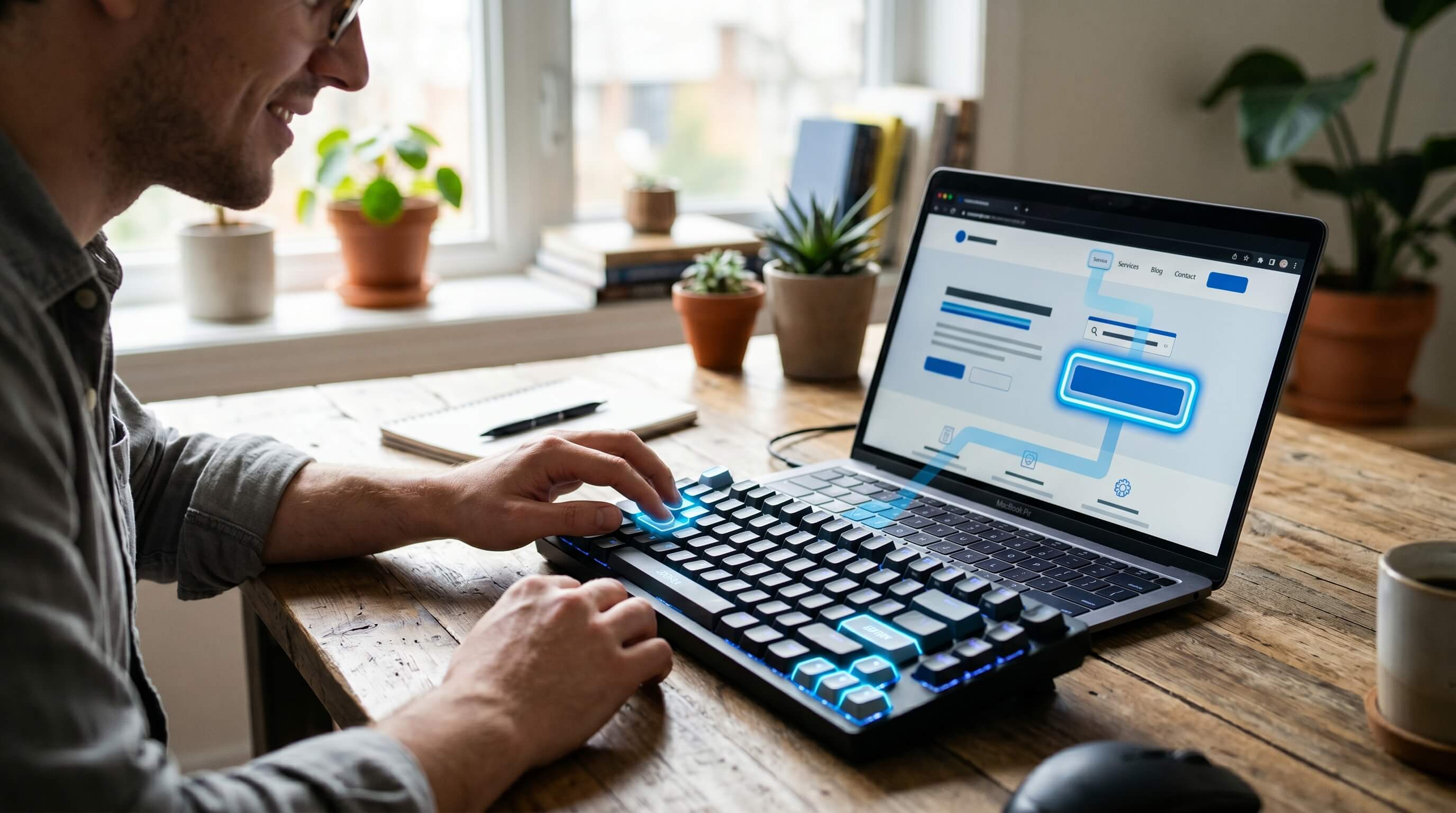
Many people with specific disabilities face challenges to use website, and the keyboard plays a vital role in website accessibility. Using a mouse, trackpad, or any other pointing device cannot be an alternative option. But keyboard navigation helps users with disabilities use websites using only keystrokes such as Tab, Enter, and arrow keys without requiring a mouse or trackpad. People with low vision, blindness, and temporary or permanent mobility disabilities can use a website smoothly through keyboard navigation.
In this article, we will guide you on how to improve keyboard navigation to meet website accessibility since keyboard accessibility requires careful consideration and website development plans.
What is a Keyboard-Accessible Website?
The W3C guidelines outline best practices for accessible keyboard-based web design and development. Simply put, users should be able to navigate links, buttons, and other interactive elements using only a keyboard, without relying on a mouse.To ensure full keyboard accessibility, links, buttons, and forms should be built using native HTML elements by default. These elements must follow a logical sequence on the page, enabling users to move through content efficiently and access different sections via keyboard focus.
Why Web Accessibility with a Keyword Matter?
The internet is often designed with an “ideal user” in mind, someone in good physical condition, using technology in perfect circumstances. In reality, millions of people rely on accessibility features to navigate the online world, whether due to a disability, a temporary limitation, or simply everyday fatigue.
Consider older family members. Many seniors depend on their computers to read the news or stay connected, yet age-related changes like arthritis and reduced dexterity can make interacting with digital devices increasingly difficult. As a result, they may disengage from new technology or struggle to use the tools they once handled with ease.
Even people without disabilities can face challenges. After hours of work, precise trackpad movements become harder, slowing down efficiency and causing frustration. For individuals with dexterity or mobility limitations, this difficulty is constant; they may not have the fine motor control required to use a trackpad or standard mouse comfortably.
Keyboard accessibility features provide a simpler and more manageable way to navigate digital interfaces. They empower more users to continue engaging with the technology they depend on every day.
What is Keyboard Focus?
Keyboard focus provides visual cues that indicate a user’s current position while navigating a website using the keyboard. When an element is selected or hovered over, it is highlighted or outlined, making it easy to identify where the user is on the page. Most modern browsers support this feature, allowing smooth navigation with both keyboard and mouse.
What are the Navigation Keys on a Keyboard?
Keyboard navigation depends on a set of keys that carry out specific functions similar to those performed with a mouse. These basic keystrokes are essential for accessible navigation. The table below outlines various keys and their corresponding actions.
|
Action |
Keys |
Works On |
|
Move forward |
Tab |
All focusable elements |
|
Move backward |
Shift+Tab |
All focusable elements |
|
Activate |
Enter |
Links, buttons |
|
Activate/Toggle |
Spacebar |
Buttons, checkboxes |
|
Navigate options |
Arrow keys |
Radio buttons, menus, tab panel |
|
Close/Cancel |
Escape |
Modal dialogs, menus |
What is WCAG Keyboard Accessibility?
Limited keyboard accessibility is more than a minor inconvenience; it can determine whether a user can interact with your website at all. This is why keyboard navigation is a core requirement within the Web Content Accessibility Guidelines (WCAG) 2.1. These standards should remain a priority when establishing best practices for accessible design.
At Level A, the most fundamental level of accessibility, WCAG 2.1 and 2.2 require that all website content be fully navigable using a keyboard, without relying on strict timing for specific keystrokes.
This is particularly important for individuals who are blind or have low vision and cannot easily track on-screen elements or cursor positions. It also supports users with hand tremors or other physical impairments, for whom precise mouse control can be challenging. For many, keyboard navigation is the most effective and reliable option.
WCAG defines key success criteria for keyboard accessibility, such as:
- 2.1.1 Keyboard
- 2.1.2 No Keyboard Trap
- 2.4.3 Focus Order
- 2.4.7 Focus Visible
- 2.4.11 Focus Not Obscured (new in WCAG 2.2)
ARIA keyboard navigation
The aria-keyshortcuts attribute in ARIA defines keyboard shortcuts that allow users to activate or focus on specific elements, supporting assistive technologies (AT). ARIA itself is a collection of markup attributes that can be applied to HTML to improve how assistive tools interpret web content. This added context helps technologies like screen readers and speech recognition software better understand the page and enables users to interact with it more effectively.
How to Manually Check a Website’s Keyboard Accessibility?
To maintain strong keyboard accessibility across your website and applications, it is necessary to manually evaluate the user experience by navigating without a mouse. The W3C suggests moving forward through a page using the Tab key and backward with Shift + Tab, while using the arrow keys to interact with elements like drop-down menus.
During testing, ensure website users can fully access your web content by confirming the following:
- Every interactive element can be reached using the Tab key.
- Drop-down menus can be navigated with arrow keys without triggering unintended actions.
- There are no “keyboard traps,” allowing users to exit any element using the Tab key.
- The tab sequence follows a logical left-to-right reading order.
- Focus indicators are clearly visible as users move through elements.
- All actions can be completed using only a keyboard, with nothing restricted to mouse interaction.
- It is clear when images function as links, and they can be activated via keyboard input.
Check out the the free website accessibility checker tool
How to Improve Keyboard Accessibility of a Website?
- User testing is one of the simplest and most effective first steps, and it is something you can do yourself. Your website should be structured clearly and intuitively so all users can easily find what they need, regardless of how they navigate it.
- You can also evaluate accessibility by testing keyboard navigation. Try reaching specific sections using only the keyboard and assess how easy or difficult the process feels. If it is frustrating for you, it is likely to be the same for your website users, indicating a need for improvement.
- If you are ready to enhance keyboard accessibility and create a more inclusive experience, request a free Webmax demo today.
How to Make a Website Keyboard Accessible
If you are looking to enhance the keyboard and screen reader to improve your website, Webmax’s solution can support your efforts. Its accessibility scanner identifies the accessibility issues of your website that may not be fully compatible with keyboard navigation and provides smart recommendations for improvement. It also flags issues in real time when elements fail to meet accessibility standards or could potentially cause usability challenges.
FAQs
1. How to improve website keyboard accessibility?
Ans:
- User testing is one of the simplest and most effective first steps, and it’s something you can do yourself. Your website should be structured clearly and intuitively so all users can easily find what they need, regardless of how they navigate it.
- You can also evaluate accessibility by testing keyboard navigation. Try reaching specific sections using only the keyboard and assess how easy or difficult the process feels. If it is frustrating for you, it is likely to be the same for your website users, indicating a need for improvement.
- If you are ready to enhance keyboard accessibility and create a more inclusive experience, request a free Webmax demo today
2. Best IT company to make a website keyboard accessible
Ans: Several companies provide keyboard accessibility services for websites, but choosing the right company, such as Webmax, to get smooth and hassle-free services is crucial.